
USD


Free Circle Highlight and Zoom Template for DaVinci Resolve | Smart Circle Focus Free
USD
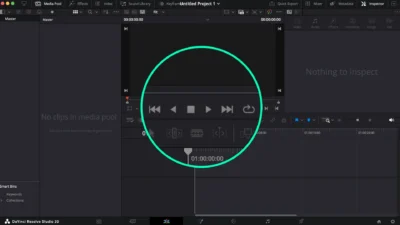
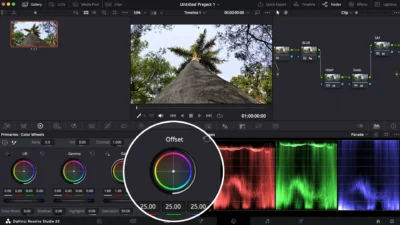
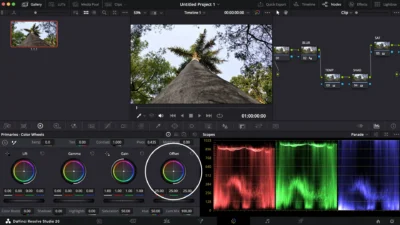
Grab your viewer’s attention with Smart Circle Focus (Free Edition), a simple DaVinci Resolve effect that highlights any area with a clean circular border and smooth zoom animation.
$0.00
Highlight using circle outline and zoom effect
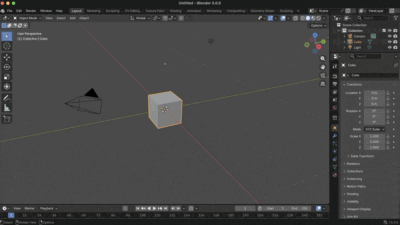
Smart Circle Focus (Free Edition) is a simple yet powerful DaVinci Resolve effect template that lets you instantly highlight and zoom into any circular area of your video. A template for tutorials, demos, and educational content. This template makes it easy to guide your audience’s attention exactly where you want.
With customizable borders, smooth zoom animations, and flexible controls, you can achieve a professional look in seconds, no Fusion knowledge required.
Features
- Clean circular border highlight with adjustable radius
- Smooth zoom-in & zoom-out animations (auto adapts to clip length)
- Fully customizable focus area (position & size)
- Zoom behavior control: toggle (on/off) with adjustable zoom amount
- Border color & thickness control
- Adjustable animation delay (speed control)
Compatibility
- DaVinci Resolve (Free or Studio) – version 18 or later recommended
- Works on Windows, Mac, and Linux
What Is Included
You will receive a zip file containing:
- SmartCircleFocus.drfx (easy one-click install template)
- README.txt (installation and usage instructions)
Quick Installation
- Download & unzip the file.
- Double-click SmartCircleFocus.drfx.
- Click Install (or Overwrite if updating).
- Restart DaVinci Resolve.
- Find it under Effects > Toolbox > Effects > DvBlend (or search Smart Circle Focus).
How to Use
- Drag & drop the effect onto your clip.
- The effect automatically adapts to the clip length.
- In the Inspector, set the focus area and adjust circle radius, border, and zoom.
- Fine-tune fade-in & fade-out speed using the Delay slider.
- Pro Tip: For tutorials with multiple highlights, place the effect on an Adjustment Clip above your timeline for consistent control.
👉 Upgrade to Premium Edition to unlock glowing borders, advanced outside-focus styles, and more creative options.
You may also like…
Related products
-
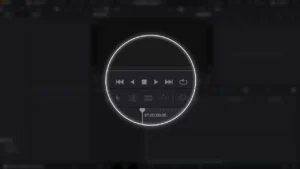
Circle Highlight and Zoom Effect for DaVinci Resolve | Smart Circle Focus
$5.88 -
Star and Particle Motion Background Generator for DaVinci Resolve | Stellar Motion
$4.99 -
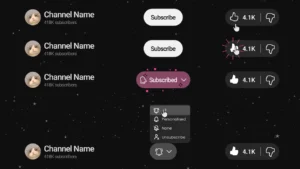
YouTube Like and Subscribe Animation Titles for DaVinci Resolve | YouTube CTA Pack
$9.00 -
4500+ World and Country Outline and Shape Maps (1K & 4K) | World Map Collection
$14.99


Reviews
There are no reviews yet.